You can create and save multiple custom One Line Grid displays, accessible wherever One Line Grids are used within the MLS. The default One Line Grid display is also a customizable display provided by the MLS, and additional customized displays can be named by the users.
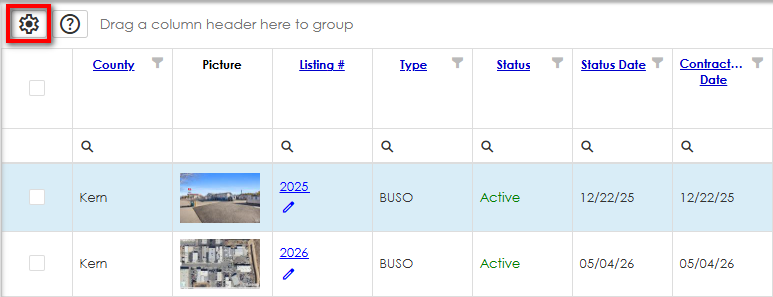
These customized One Line Grid displays can either be created from the One Line Grid Setup page, accessible from the Admin menu, or from any grid display by clicking the Customize Grid icon.
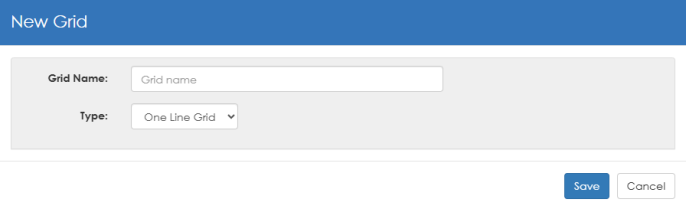
To Create a Customized One Line Grid Display

See also Customize the One Line Grid.
TIP:  View the video tutorials under the "Search Results Displays" section on the Learning Center for a quick overview of this feature. The Learning Center can also be accessed directly from the Help menu.